Filming Action in Real Time: Behind the Scenes of Intel Fab 28 Kiryat Gat Emergency Drill
An active semiconductor plant, 4 simultaneous emergency zones, ERT + MDA + fire rescue + Ministry of Environment — all in real time. How you plan, film, and edit a project with no second take.
Production Doesn't Stop. Filming Has to Keep Going.
Intel Fab 28 in Kiryat Gat is one of the most advanced semiconductor plants in the world. When they run an emergency drill — they don't simulate.
Four real zones, simultaneously, with real national emergency forces:
- Building CUB Fire — firefighters with breathing equipment entering, thick smoke, injured employees
- Ammonia Leak — dilution systems activated, employees neutralized on site, FAB ERT HAZMAT in sealed suits
- Pit/Height Rescue (AWN 28) — Rope Rescue for a trapped employee in a pit, 'Lahava Unit' in action
- Crash Site — Search & Rescue — extraction of 8 trapped people from concrete rubble and pipes with heavy hydraulic equipment and disc cutters
Once every few years, and you can't repeat it.
Before Filming: A Coverage Map, Not Just Equipment
The most common mistake in event filming: thinking success depends on the amount of equipment.
At Fab 28, preparation was a detailed coverage map by minute:
- 00:01–00:14 — routine day, readiness: one shoulder-rig camera on each main floor
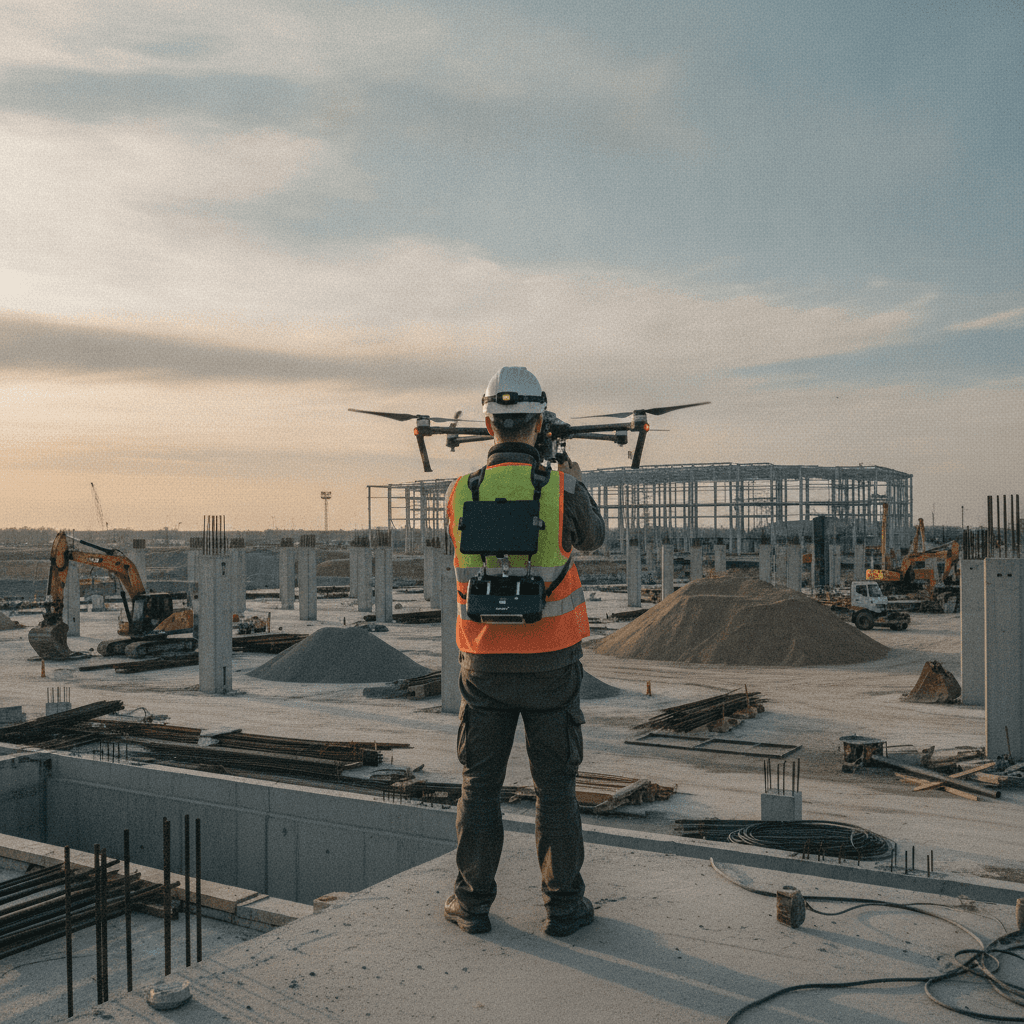
- 00:15 — earthquake alarm: drone ready, surveying evacuation deployment
- 01:50 — CUB fire: shoulder camera following the firefighting team
- 01:56 — Hazmat: second camera with protective suit entering the ammonia zone
- 02:00 — AWN 28: third camera positioned at the pit edge, ready for rescue
- 02:06 — S&R: FPV drone for wide shot + ground camera in the debris
Any real-time change in plan — update over radio, not running across the site.
The Graphic That Maps Every Emergency Production: HUD Display
The solution that "sells" best in emergency drill post-production is a HUD map over a satellite image.
At Fab 28 we built a map showing 5 points: CRASH SITE / FIRE ALARM / AMMONIA LEAK / HEIGHT RESCUE / EXTERNAL JOINT (Command Post)
The map appears at every scene transition (02:10, 02:56, 03:45, 05:13) — the viewer always knows where they are.
Why this is critical: in projects with 4 zones, the viewer will lose interest if they don't understand "what's the connection between what I just saw and what I'm seeing now." The map solves this.
The Closure That Changes the Entire Film
The film ends with summary remarks by Adam Mansour, Emergency Manager, at the external command post.
This isn't a "random talking head" — it's a deliberate creative choice.
When the Emergency Manager stands in the field and summarizes the scenario, the viewer receives three things at once: 1. Explanation — what the drill's objective was 2. Confirmation — "our ERT worked. The team worked." 3. A face — a responsible person who can be trusted
Without the summary, the film ends in action with no "landing." With the summary — there's a sense of completion.
What Fab 28 Teaches for Every Other Organizational Shoot
Three principles transferable to any corporate project:
At Fab 28, we prepared seriously for several hours. On shoot day, there was no confusion — because every scenario had already run through our heads.
At every point where the viewer might lose the thread, a map brings them back. This method works for any film with more than 2 locations.
No matter how impressive the action — if the film ends on "a distant drone shot," there's no connection. Always look for the closure that gives a person, a message, and meaning.
videoshop
Boutique Video & AI Production Studio
Related Service
High-Tech & Startup Video ›Continue Reading
videoshop
Your next project starts with a conversation
We don't work with everyone. We work with those who want to make something worth remembering. If that sounds like you, let's talk.
Let's Talk